
Tech
What Is Meta’s New “Muse” AI And Why Are Users Seeing It?
Meta has introduced Muse, a personal AI agent designed to remember your goals, suggest ideas and take actions across the apps you use.

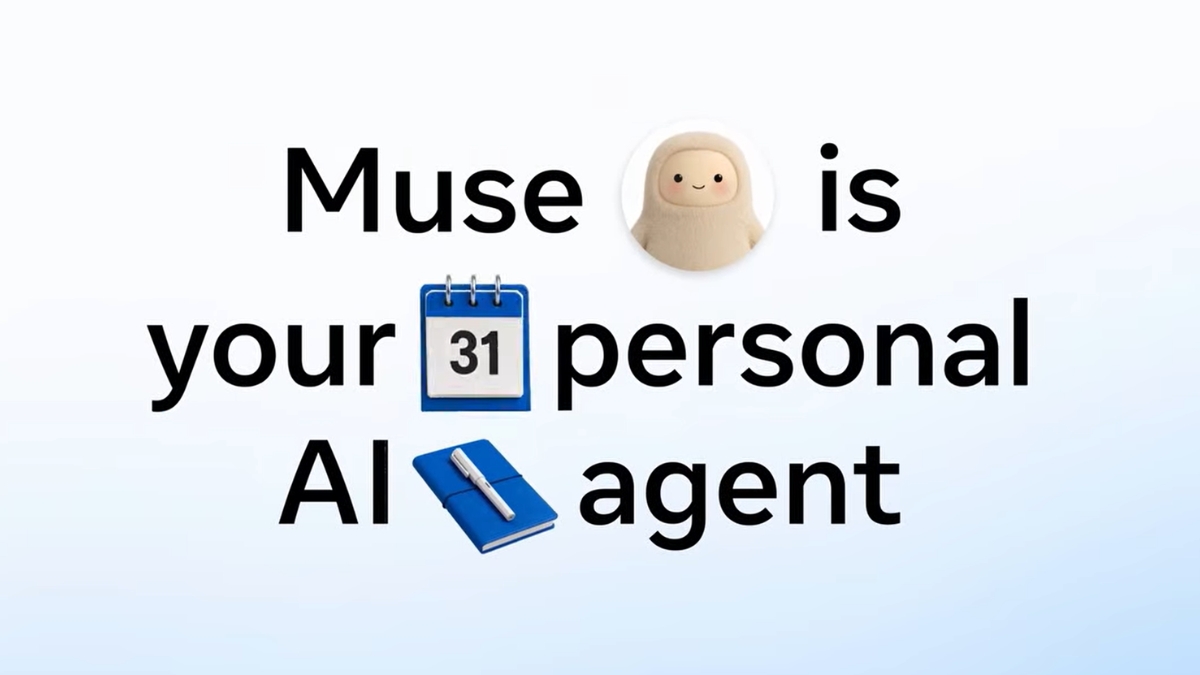
Meta has introduced Muse, a new personal AI agent designed to do more than simply answer questions. Unlike a traditional chatbot that waits for a prompt, Muse is built to proactively help users manage tasks, follow goals and take action across different parts of their lives. For creators, that could mean managing DMs, organising calendars, tracking brand payments, planning content and even building custom tools.
So, What Exactly Is Muse?
Meta describes Muse as a personal agent built around the user’s life.
It can learn from conversations, understand goals and use connected apps and services to carry out tasks.
The idea is simple: instead of constantly telling AI what to do, users can give Muse broader goals and let it help work towards them.
Muse can browse the web, research information, draft emails, manage schedules, book restaurants and create plans.
Creator Maria Butt Flags The New Muse Button And Its Limited Availability
While Meta has announced Muse, travel, fashion, food and lifestyle creator Maria Butt (@maria__stagram) highlighted the feature, asking what the new button actually does. According to her, the option is not appearing for Android users, while on iPhone it is visible but, in her case, the app is not working and shows a message saying it is unavailable in her country or region. This has left users asking a simple question: What exactly is this new Muse button, why are only some people seeing it, and when will it actually work?
How Is Muse Different From A Regular AI Chatbot?
The biggest difference is proactive assistance.
Traditional AI tools generally wait for users to ask a question.
Muse is designed to remember what matters to a user and suggest what they could do next.
It operates through Muse Secure VM, a dedicated virtual computer with its own browser, allowing it to work across apps and services.
The platform is divided into five main areas:
- Chat: Give Muse tasks and ask it to research, browse, write or schedule.
- Feed: Get personalised information based on your interests and conversations.
- Ideas: Discover suggestions based on your goals.
- Goals: Set longer-term objectives and allow Muse to help you stay on track.
- Artifacts: Ask Muse to create custom tools such as trackers, dashboards and planners.
What Can Creators Actually Use It For?
This is where this AI could become particularly useful for creators.
A creator juggling Instagram, YouTube, brand deals, emails and multiple collaborations could use Muse as a central assistant.
It can scan an inbox for messages that need attention, draft replies and identify calendar conflicts.
It can also help organise saved content and turn information into useful resources such as travel guides.
For creators working with multiple brands, Muse can also help track payments and spending, while monitoring progress towards financial goals.
It Can Also Help With Content Planning
Muse’s Goals feature is designed around longer-term objectives.
A creator could use it to build a content calendar, suggest caption ideas, create reminders or organise tasks around upcoming projects.
The idea is not simply to generate another caption or answer another question.
It is to help manage the workflow around creating and publishing content.
Muse Can Build Custom Tools Too
One of the more unusual features is Artifacts.
Users can describe a tool they need, and Muse can create it.
That could include a content tracker, meal planner, workout log, dashboard or another personalised application.
Instead of searching for an existing app, users can ask Muse to build something around their specific requirements.
It Can Connect To Your Digital Life
Muse becomes more useful when users connect services such as email, calendars, Instagram, health and fitness apps, personal finance tools and shopping accounts.
These connections give the agent additional context.
For example, Muse could identify important dates in emails and add them to a calendar, or pull an address from a dinner reservation and share it in a group chat.
That is what makes it different from an AI tool that only operates inside one chat window.
But What About Privacy?
Giving an AI agent access to multiple parts of your life also raises an obvious question: how much control does the user actually have?
Meta says Muse has been designed with safety and privacy controls.
Some sensitive actions require explicit approval, including making purchases or sending emails on a user’s behalf.
Muse also runs inside its own virtual machine, while Meta says it does not have visibility into users’ passwords or payment methods.
The company also says Muse conversations and data inside its virtual machine will not be shared with Meta’s advertising systems.
Why Are People Talking About It?
The interesting part about Muse is not simply that it is another AI assistant.
The bigger shift is from AI that answers to AI that acts.
A chatbot can tell you how to organise your week.
An agent like Muse is designed to actually help organise it.
It can research, plan, draft, schedule, track and follow up.
That could make AI far more deeply integrated into everyday digital life.
And for creators, who often juggle content, partnerships, emails, finances and personal commitments simultaneously, that shift could be particularly significant.
Muse is essentially Meta’s attempt to turn AI from something you talk to into something that works alongside you.

Dhruv Rathee Joins Bengaluru Protest: Why The YouTuber’s Entry Has Put CJP’s Vote Row In Focus

Karnataka Wants AI To Talk, Listen And Help: ElevenLabs Deal Brings Voice AI To Public Services

What Is Meta’s New “Muse” AI And Why Are Users Seeing It?

Anurag Dobhal Arrested In Dehradun: What We Know About The Alleged Assault Case

Who Was Mad Sandhu? The Punjabi Creator Who Built A Beauty, Fashion And LGBTQ+ Voice Online

Ranveer Allahbadia’s Birthday Note For Juhi Bhatt Is Winning The Internet

Roopali Agrawal aka Rockonroops Turning Family Life Into Conversations On Fashion, Freedom And Safety

Navya Naveli Nanda Has A New Bet: Building India’s Next Big Tech Companies

Inside Idiotic Media’s BBD Playbook: How 1,600+ Creators Delivered 458M+ Views for Flipkart

Mastermind Review: When A Murder Confession Is Just The Beginning

Food Pharmer’s Cannes Look That Never Walked

Parul Gulati Wears Nish Hair on the Cannes 2025 Red Carpet

Nancy Tyagi’s 700-Hour DIY Gown Turns Heads at Cannes 2025

Navya Nanda’s IIM Ahmedabad Triumph: From Controversy to Campus Joy

Influencer Kareema’s Heartwarming Journey with Suki

Prajakta Koli and Vrishank Khanal’s Wedding

Prajakta Koli’s Haldi and Cocktail Celebrations

Prajakta Koli and Vrishank Khanal’s Pre-Wedding Celebrations

Prajakta Koli x Vrishank Khanal Magical Mehendi

Milind Soman & Ankita’s Maha Kumbh 2025 Experience

Meta One Launches With Paid AI, Creator Tools And New Features Across Instagram, Facebook And WhatsApp

YouTube Shorts Changes Repost Rules: What Creators Need To Know About Original Content

Adam Mosseri Reveals Instagram Trial Reels Rule That Could Limit Your Reach

Snoop Dogg Has the Job We All Secretly Want: ₹10 Lakh A Month to Eat Ice Cream

Technical Guruji’s iPhone 18 Pro Max Giveaway: Nearly 100 Phones And A Big Question About The Cost

Is Saurav Joshi Really Entering GTA VI? Here’s What We Found

Is Orry Getting Married? Close Friends Story Sparks Questions As His Past Wedding Rumours Resurface
Roopali Agrawal aka Rockonroops Turning Family Life Into Conversations On Fashion, Freedom And Safety

The Traitors 2 Reunion Was Full Of Kalesh, Confrontations And Long-Pending Answers
